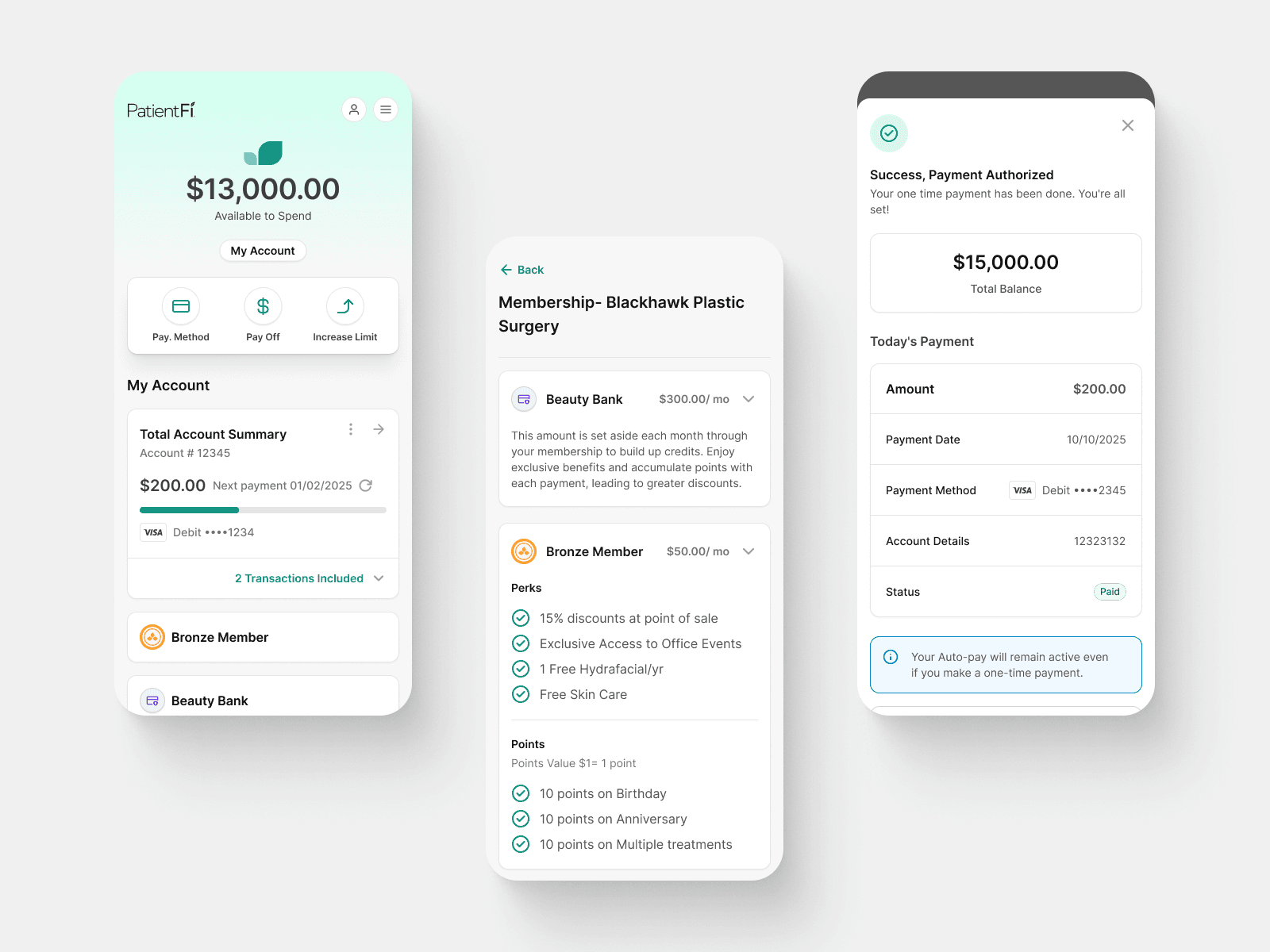
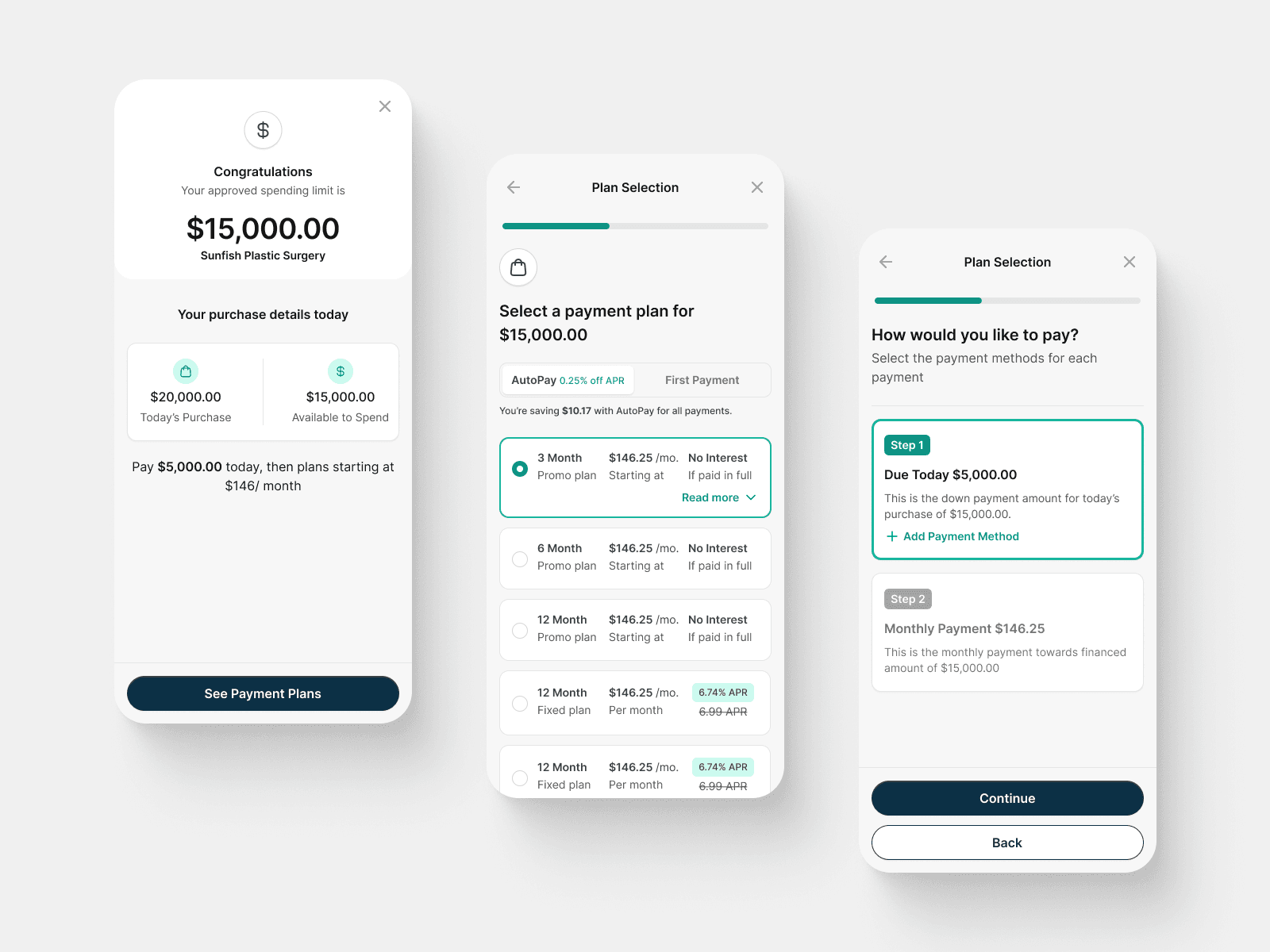
Overview
PatientFi’s provider enrollment process was creating significant friction for providers and internal teams. Enrollment relied on manual verification, email-based follow‑ups, and CRM notes, resulting in long wait times, poor visibility, and high drop‑off.
This case study focuses on the redesign of the Enrollment Portal—a centralized internal system built to provide clear status visibility, ownership, and scale, while enabling automation without removing human control.
Outcome: A single source of truth that reduced ambiguity, aligned Ops, Sales, and Product, and laid the foundation for same‑day verification.
Background
At the start of the project, it could take up to 72 hours for underwriting to respond to a provider after application submission. Providers were left waiting without clarity on next steps, while internal teams tracked progress through fragmented tools and manual notes.
Key issues included:
No shared understanding of enrollment status
Manual queues managed outside the product
Inconsistent follow‑ups with providers
Limited scalability for multi‑location practices
The lack of a dedicated Enrollment Portal made it difficult to prioritize work, reduce errors, or confidently communicate progress.
Problem
The existing system failed both externally and internally:
For providers
No clear indication of what was being reviewed
Uncertainty around who needed to act
Long, silent delays after submission
For internal teams
Overlapping and ambiguous status labels
Heavy reliance on email and CRM notes
No centralized place to review, request, or approve information
Enrollment was treated as a form submission—not a workflow.
Goals
The Enrollment Portal needed to:
Act as the single source of truth for enrollment progress
Clearly communicate what is blocking progress and who owns the next step
Support both automated and manual verification paths
Scale to multi‑location enrollment without increasing operational load
Enable a future state where providers could be verified and ready to onboard the same day
My Role
As Lead Product Designer, I was responsible for:
Defining the Enrollment Portal information architecture
Designing the status system and ownership model
Mapping edge cases (skipped banking, async verification, CSV uploads)
Aligning Product, Ops, Sales, and Engineering
Prototyping the internal portal experience
Key Insights
Status should communicate progress, not internal process.
If users can’t tell whether enrollment can move forward, the system has already failed.
Solution
We introduced a dedicated Enrollment Portal that replaced manual tracking and served as the authoritative view of every provider’s enrollment state.
The portal brought together:
Enrollment progress
Business verification
Banking verification
Multi‑location setup
Internal notes and activity history
📌 Placeholder Image: Enrollment Portal list view
Simplified Enrollment Statuses
We reduced enrollment progress to three clear, top‑level statuses:
Action Required — enrollment is blocked
Ready to Board — all checks complete
Complete — provider boarded and live
These statuses answer one question:
Can this enrollment move forward right now?
📌 Placeholder Image: Enrollment status badges
Section‑Level Statuses for Clarity
To explain why enrollment is blocked, each section (Business, Banking, Locations) uses consistent statuses:
Not Started
Pending
Approved
Needs Attention
This separation kept top‑level progress simple while preserving operational detail.
📌 Placeholder Image: Enrollment detail view with section‑level statuses
Handling Skipped Steps and Async Verification
A critical improvement was distinguishing between steps that were:
Skipped (Not Started)
Actively verifying (Pending)
This prevented confusion where skipped banking previously appeared identical to in‑progress checks.
📌 Placeholder Image: Banking section showing Not Started vs Pending
Multi‑Location Enrollment at Scale
The portal supports multi‑location practices through CSV uploads, with:
Per‑location validation
Partial success handling
Clear error surfacing
This allowed large practices to onboard without blocking the entire enrollment.
📌 Placeholder Image: Multi‑location CSV review view
Cross‑Team Alignment
I partnered closely with:
Operations & Underwriting to reflect real review workflows
Sales to ensure CRM‑level visibility without exposing internal noise
Engineering to design for async validation and bulk processing
We framed the portal as a tracking and visibility system, not full automation, to build trust and adoption.